
Best Author Box WordPress Plugin for Posts and Pages
Looking for the best author box WordPress plugin for your posts and pages? In this guide, we will explain what makes a good author box plugin, what features you should check, and why KP Author Box can be a useful choice for WordPress bloggers, content websites and business blogs.
Download KP Author BoxAn author box is an important part of a professional WordPress website. It helps you show the author’s name, bio, avatar, website and social media links below or above your content. This small section can improve trust, content credibility and reader connection.
If your website publishes blog posts, tutorials, reviews, guest posts or business articles, then using an author box WordPress plugin can make your content look more complete. Instead of editing theme files manually, you can use a plugin like KP Author Box to add author profiles without coding.
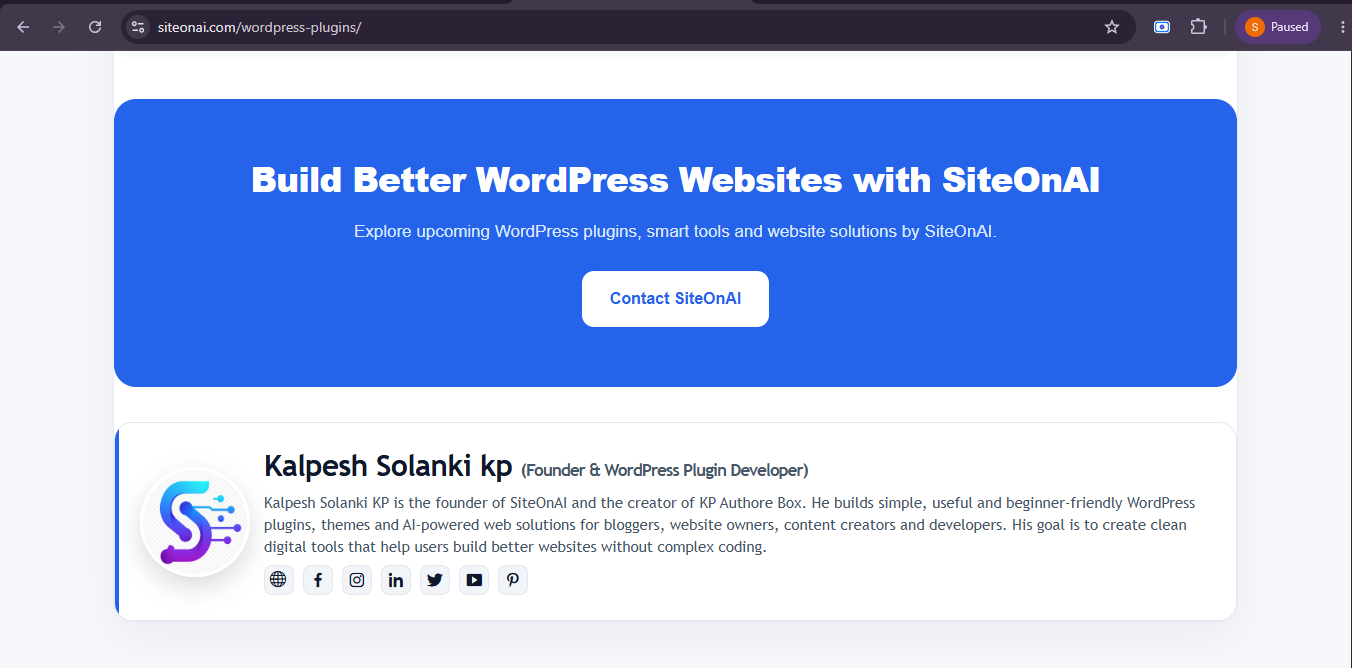
KP Author Box live preview for WordPress posts and pages.
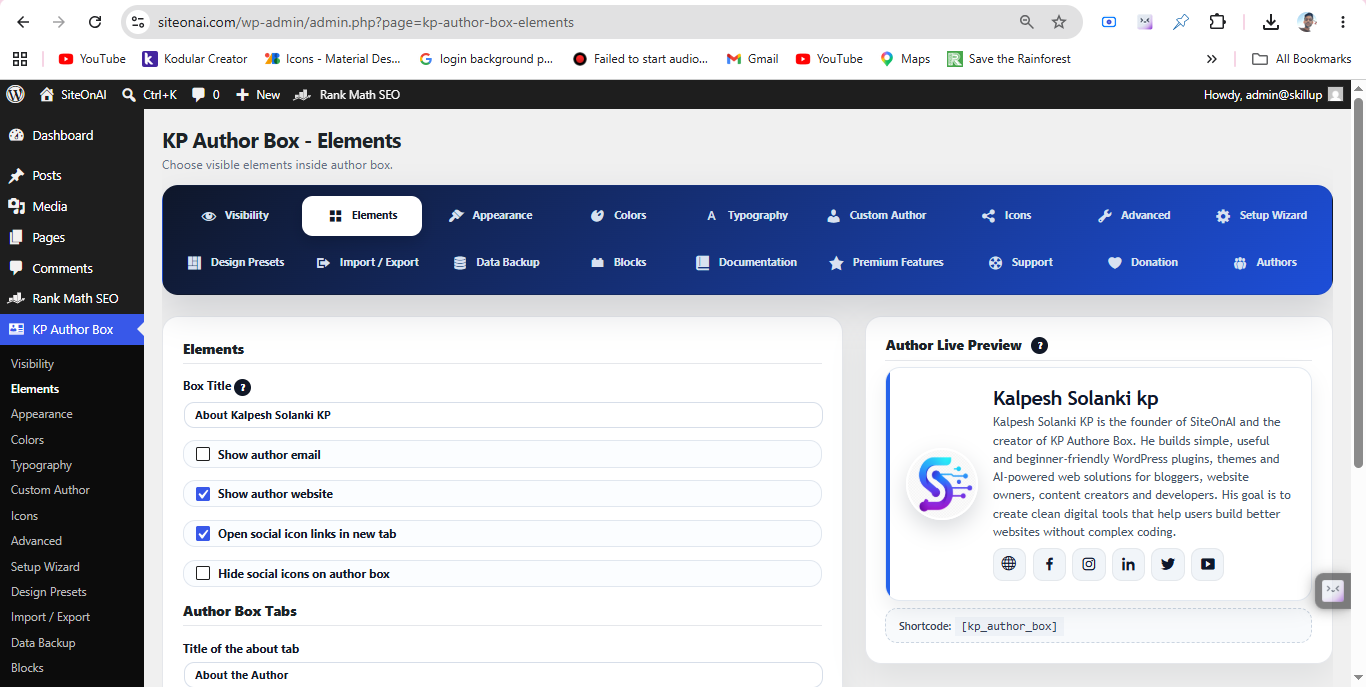
KP Author Box visual settings and author box customization options.
Author Box Plugin Comparison Table
This comparison table can help you understand which author box plugin features are useful for WordPress posts and pages.
| Feature | KP Author Box | Basic Author Box Plugin | Theme Author Box |
|---|---|---|---|
| Custom Author Data | Yes | Limited | Depends on theme |
| Avatar Support | Yes | Yes | Depends on theme |
| Social Links | Yes | Basic | Limited |
| Shortcode Support | Yes | Sometimes | No |
| Gutenberg Support | Yes | Depends | No |
| Works on Posts and Pages | Yes | Usually posts only | Depends on theme |
| Theme Independent | Yes | Yes | No |
Final Recommendation
If you need a simple author profile section, many plugins can help. But if you want an author box plugin that supports custom author data, social links, posts, pages, shortcodes, Gutenberg blocks and import/export settings, then KP Author Box is a strong option to try.
KP Author Box is especially useful for WordPress users who want to add an author box without editing code. It can help bloggers, guest post websites, content writers, agencies and business websites create professional author sections quickly.
For better results, use a clear author bio, a professional avatar image and useful social media links. This will make your author box more trustworthy and helpful for readers.
Helpful Links
Learn more about KP Author Box and WordPress plugin resources from SiteOnAI.
Frequently Asked Questions
What is KP Author Box Plugin?
KP Author Box is a WordPress author box plugin that helps you display author name, bio, avatar, website and social media links on posts and pages.
Is it mobile responsive?
Yes. KP Author Box is designed to display properly on desktop, tablet and mobile screens.
Can I add social media links?
Yes. You can add social media profile links such as Facebook, Instagram, LinkedIn, X/Twitter and YouTube.
Can I use it without coding?
Yes. KP Author Box can be used without coding. You can manage author details and settings from the WordPress dashboard.
Does it work on posts and pages?
Yes. KP Author Box supports WordPress posts and pages. You can also use shortcodes for manual display.
Try KP Author Box for WordPress
Add a responsive author box to your WordPress posts and pages with custom author name, bio, avatar and social links.
Download KP Author Box