

KP Author Box Plugin Features, Benefits and Customization Options
KP Author Box is a WordPress author box plugin that helps you display author name, bio, avatar, website and social media links on posts and pages. In this guide, you will learn its main features, benefits, setup steps and customization options.
Download KP Author BoxIntroduction
An author box is a small but important section on a WordPress website. It introduces the writer behind the content and usually includes the author name, profile image, short bio, website link and social media profiles.
The KP Author Box Plugin is designed for WordPress users who want to add a clean, responsive and customizable author box without coding. It is useful for bloggers, guest post websites, business blogs, tutorial websites, news websites and multi-author content platforms.
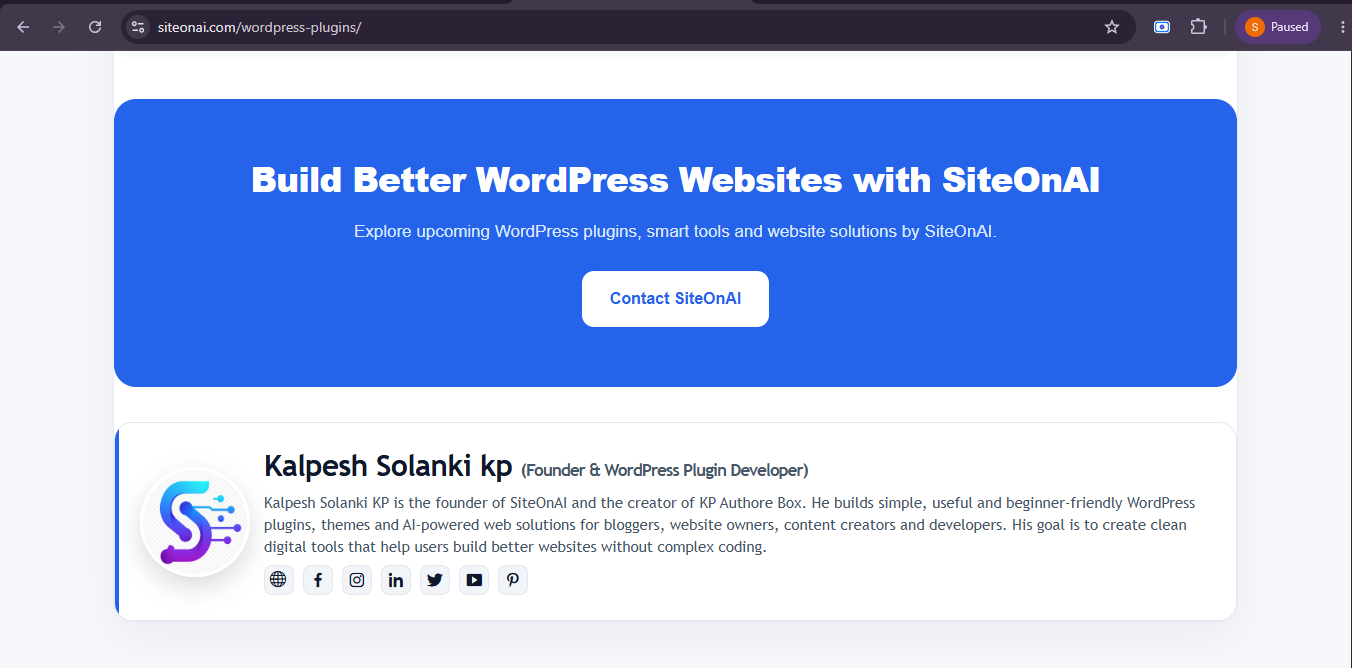
KP Author Box live preview for WordPress posts and pages.
Why This Topic Matters
Readers want to know who is behind the content they are reading. A clear author box helps you show author identity, experience and social profile links. This can make your WordPress website look more trustworthy and professional.
Builds Reader Trust
Showing author details makes your content more transparent and helps readers trust your website.
Improves Author Branding
Authors can display their bio, avatar, website and social links to build personal or business branding.
Useful for Multi-Author Blogs
If your site has multiple writers or guest authors, an author box makes each contributor easy to identify.
Better Content Experience
A well-designed author box gives readers extra context and makes your posts look complete.
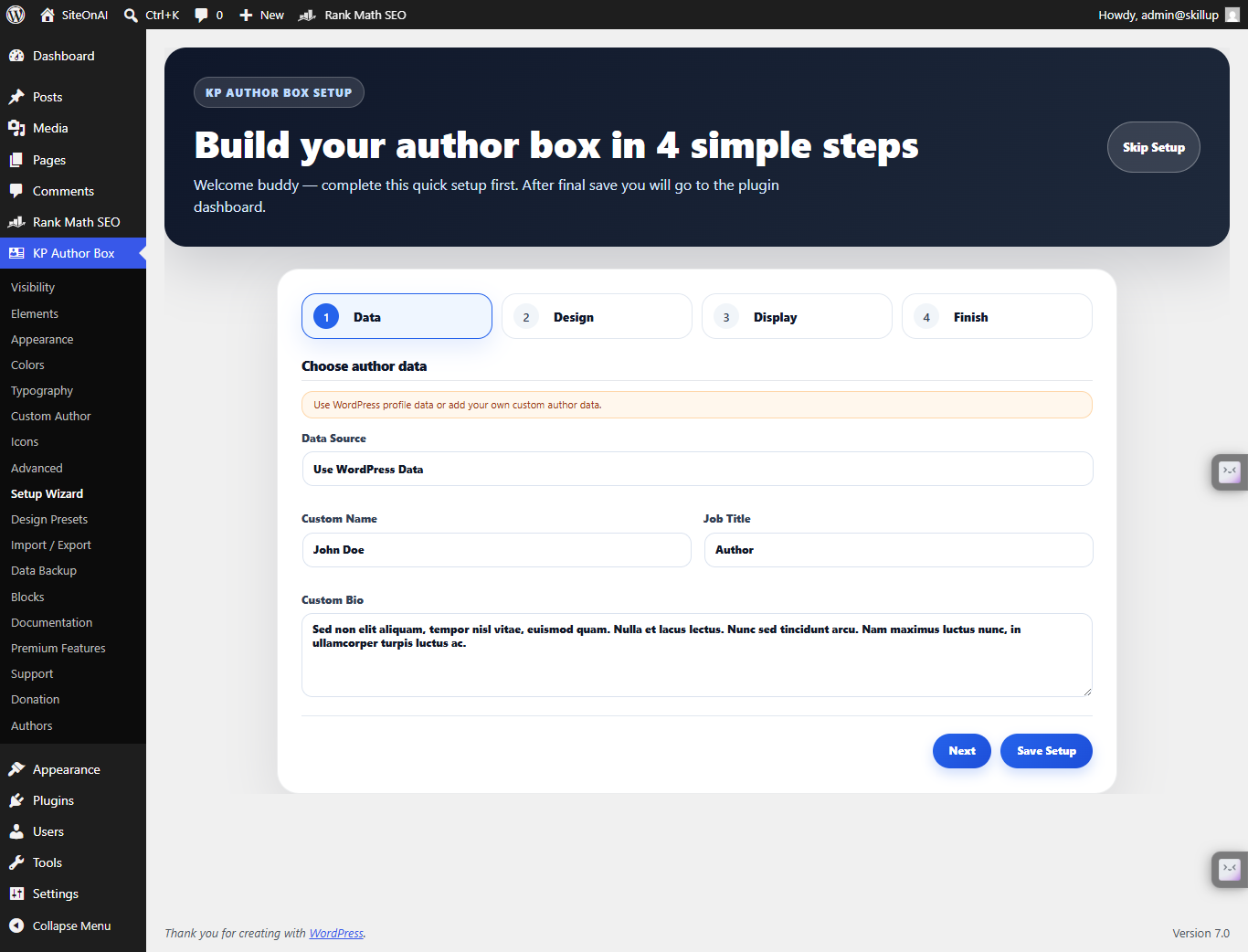
KP Author Box setup wizard for quick WordPress plugin configuration.
KP Author Box Plugin Features
KP Author Box includes practical features for creating and managing author profile sections in WordPress. These features help you display author information in a clean and organized way.
Custom Author Name
Add a custom author name for posts and pages instead of only using default WordPress user data.
Author Bio
Display a short author biography to introduce the writer to readers.
Avatar Image
Show an author profile image, brand photo, logo or custom avatar inside the author box.
Website Link
Add the author website, portfolio page, profile page or business website URL.
Social Media Links
Add social links like Facebook, Instagram, LinkedIn, X/Twitter, YouTube and more.
Multiple Custom Authors
Create and manage multiple custom authors for guest posts or multi-author websites.
Shortcode Support
Use shortcodes to manually display author boxes in posts, pages or custom content areas.
Gutenberg Block Support
Add author boxes directly inside the WordPress block editor using Gutenberg blocks.
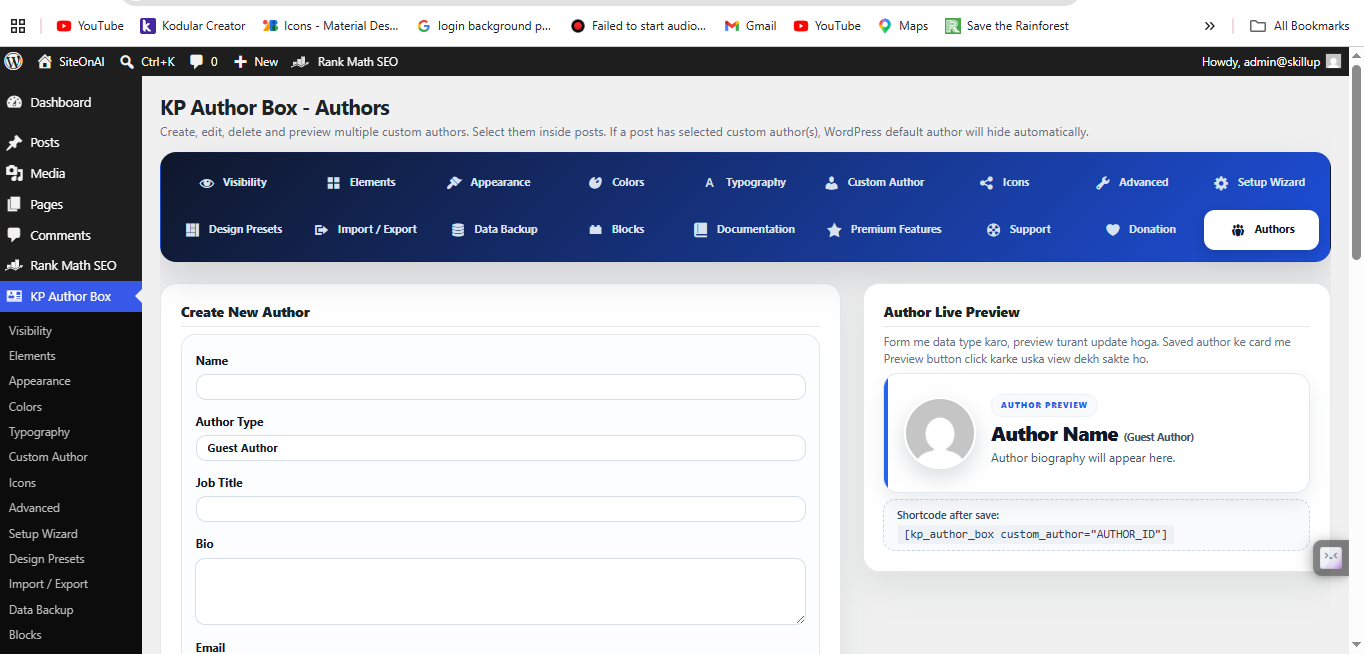
Create and manage multiple custom authors with KP Author Box.
Benefits of KP Author Box
KP Author Box is useful because it helps you create a professional author section without touching theme files or writing custom code.
No Coding Required
You can add author details and display author boxes from the WordPress dashboard.
Clean Author Presentation
The plugin helps you show author information in a clean and professional layout.
Better Reader Connection
Readers can learn about the author and follow them through website or social links.
Flexible Display Options
Use automatic display, shortcode placement or Gutenberg blocks based on your needs.
Customization Options
KP Author Box gives you multiple customization options so you can control how your author box looks and what information it displays.
Author Information
Customize author name, bio, avatar image, website link and social media profiles.
Display Location
Display the author box on posts, pages or selected areas using plugin settings or shortcode support.
Visual Elements
Adjust the visual presentation of the author box so it matches your website design.
Backup and Export
Export author data and plugin settings as JSON for backup or use on another WordPress website.
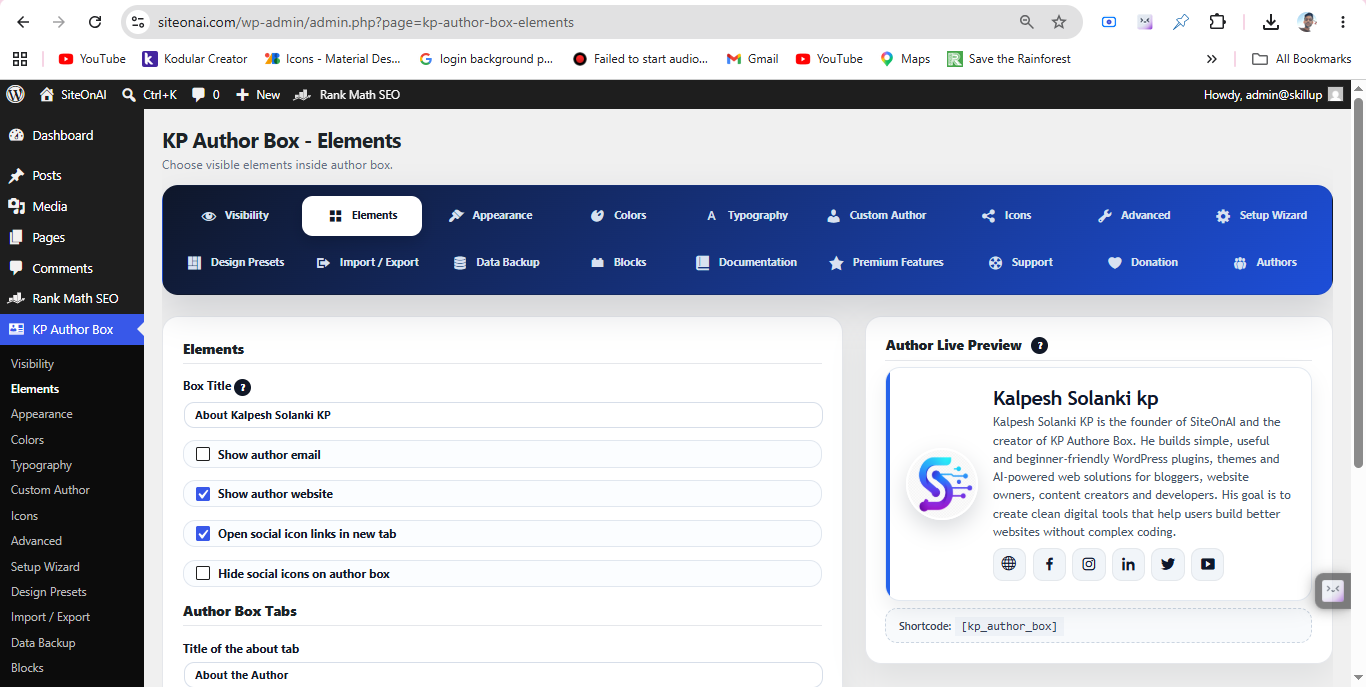
KP Author Box visual elements and customization settings.
Step-by-Step Guide to Use KP Author Box Plugin
Step 1: Download KP Author Box
Download the KP Author Box plugin ZIP file from the official SiteOnAI plugin page.
Download KP Author Box Plugin →Step 2: Upload and Activate Plugin
Go to Plugins → Add New → Upload Plugin. Choose the plugin ZIP file, click Install Now and activate the plugin.
Step 3: Add Author Details
Add author name, short bio, avatar image, website URL and social media links from the plugin settings or custom author section.
Step 4: Customize Display Options
Choose where the author box should appear. You can display it on posts, pages, or manually place it using shortcode or Gutenberg block.
Step 5: Preview and Publish
Check the live preview, test the author box on desktop and mobile, and publish your content after confirming all links and images work correctly.
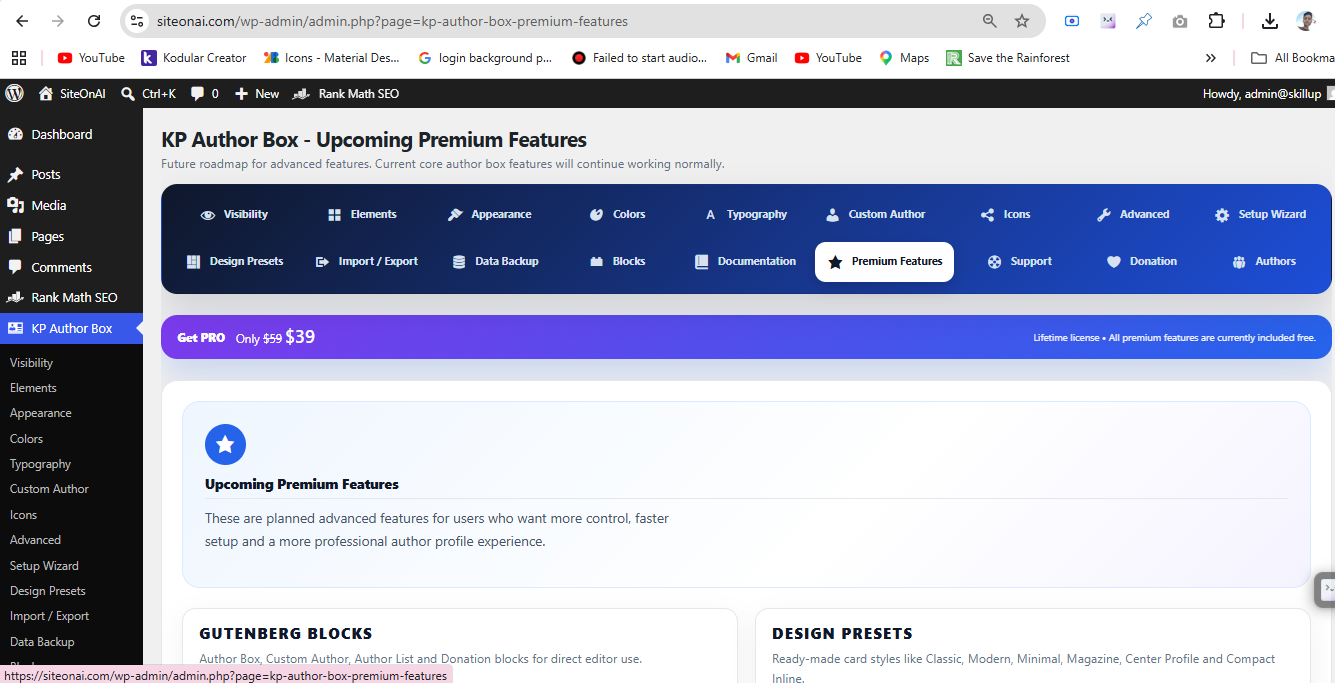
KP Author Box settings panel for author details and customization.
Customization Tips
A good author box should be simple, readable and useful. Use these tips to make your author box more effective.
Use a Clear Profile Image
Use a professional avatar or brand image that looks clean on all devices.
Keep Bio Short
Write a short author bio focused on experience, topic expertise and helpful information.
Add Useful Social Links
Add only active and relevant social media profiles to avoid broken or unnecessary links.
Test on Mobile
Always check the author box on mobile because most readers may visit your website from phones.
Common Mistakes
Avoid these common mistakes when using KP Author Box or any author box plugin in WordPress.
Using Missing or Broken Image URLs
Make sure the avatar image URL is correct and publicly accessible.
Writing Too Much Bio Text
Keep the author bio short and readable. Long text can make the author box look crowded.
Adding Broken Social Links
Test all social links before publishing so users do not land on error pages.
Not Testing on Different Devices
Check your author box on desktop, tablet and mobile to confirm proper layout.
Helpful Links
Explore KP Author Box resources and WordPress plugin pages from SiteOnAI.
Frequently Asked Questions
What is KP Author Box Plugin?
KP Author Box is a WordPress plugin that helps you display author boxes with author name, bio, avatar, website and social links on posts and pages.
Is it mobile responsive?
Yes. KP Author Box is designed to display properly on desktop, tablet and mobile screens.
Can I add social media links?
Yes. You can add social links such as Facebook, Instagram, LinkedIn, X/Twitter and YouTube.
Can I use it without coding?
Yes. You can use KP Author Box without coding by managing author details from the WordPress dashboard.
Does it work on posts and pages?
Yes. KP Author Box can be used on WordPress posts and pages.
Conclusion
KP Author Box Plugin is a useful WordPress author box solution for displaying author name, bio, avatar, website and social links on posts and pages. It is helpful for bloggers, guest post websites, business blogs and multi-author WordPress sites.
With features like custom author data, multiple custom authors, shortcode support, Gutenberg blocks, live preview and import/export options, KP Author Box gives WordPress users a simple way to create professional author sections without coding.
Add a Professional Author Box to WordPress
Download KP Author Box and display author bio, avatar, website and social links on your WordPress posts and pages.
Download KP Author Box