
Simple Author Box Alternative: KP Author Box Plugin for WordPress
If you are looking for a Simple Author Box alternative for WordPress, KP Author Box can be a useful option. It helps you add a clean and responsive author box to WordPress posts and pages with author name, bio, avatar, website and social media links.
Download KP Author BoxAn author box is an important part of a professional WordPress blog. It shows readers who wrote the article and gives them more information about the author. Many WordPress users search for author box plugins because they want to display author bio, profile image, website and social links without editing theme files.
Simple Author Box is a known name in this category, but some users may want an alternative plugin with custom author data, multiple author options, live preview, shortcode support and Gutenberg block support. This is where KP Author Box can help.
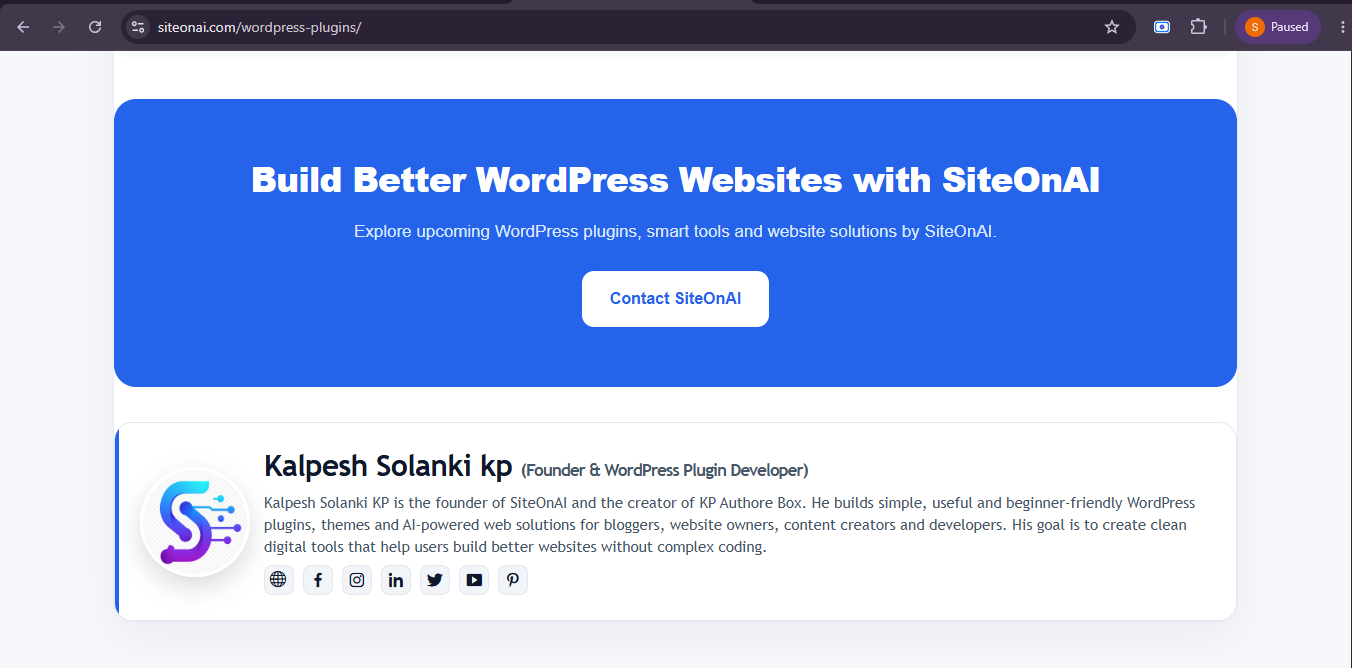
KP Author Box live preview for WordPress posts and pages.
Why Look for a Simple Author Box Alternative?
Many WordPress users look for an alternative because they want more flexibility or a different workflow. A plugin should match your website needs, theme style and content structure. If one author box plugin does not provide the exact features you need, trying an alternative is a smart choice.
Need Custom Authors
Some websites need custom guest author profiles that are different from default WordPress users.
Need Posts and Pages Support
Some users want to display author boxes not only on posts but also on WordPress pages.
Need Shortcode Control
Shortcode support helps users manually place the author box in posts, pages, widgets or templates.
Need Simple Setup
A good alternative should be easy to install, configure and use without coding knowledge.
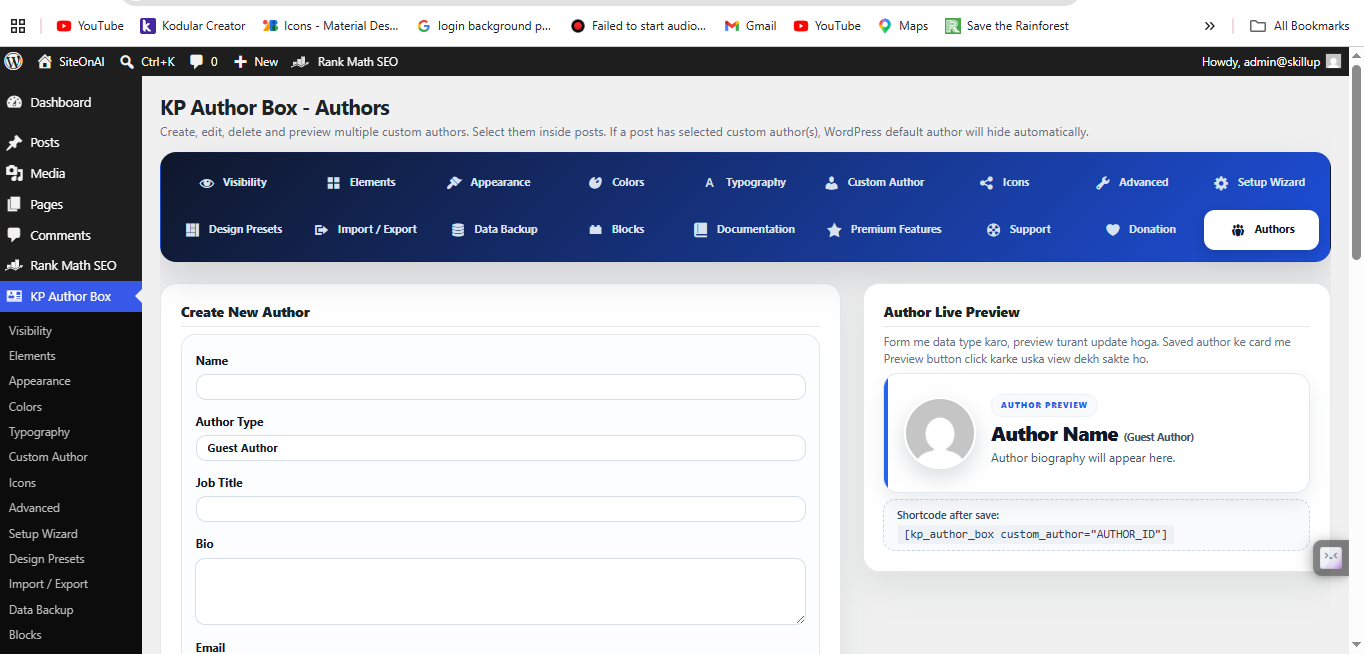
Create and manage multiple custom authors with KP Author Box.
Key Features of KP Author Box
KP Author Box includes practical features that help WordPress users create author profile sections quickly. It focuses on simple setup, responsive design and useful author data controls.
Custom Author Name
Add a custom author name instead of only depending on WordPress user profile data.
Author Bio
Display a short author bio to introduce the writer to readers.
Avatar Image
Show a profile photo, author image, logo or custom avatar inside the author box.
Social Media Links
Add social profile links such as Facebook, Instagram, LinkedIn, X/Twitter and YouTube.
Posts and Pages
Display author boxes on WordPress posts and pages based on your website needs.
Shortcode Support
Use shortcodes to manually place the author box in content areas.
Gutenberg Blocks
Use author box blocks inside the WordPress block editor.
Import and Export
Export author data as JSON for backup or reuse on another WordPress website.
Feature Comparison: Simple Author Box vs KP Author Box
The right plugin depends on your website needs. This simple comparison shows what users commonly look for when choosing an author box plugin for WordPress.
| Feature | KP Author Box | Simple Author Box Type Plugin |
|---|---|---|
| Custom Author Data | Yes | Depends on plugin version/settings |
| Multiple Custom Authors | Yes | May be limited |
| Author Bio and Avatar | Yes | Yes |
| Social Links | Yes | Usually yes |
| Posts and Pages Support | Yes | Depends on settings |
| Shortcode Support | Yes | Depends |
| Gutenberg Block Support | Yes | Depends |
| Import / Export | Yes | May be limited |
Setup Steps for KP Author Box
KP Author Box is designed for simple setup. You can install the plugin from a ZIP file and configure your author profile from the WordPress dashboard.
Download Plugin
Download the KP Author Box plugin ZIP from SiteOnAI.
Install in WordPress
Go to Plugins → Add New → Upload Plugin and install the ZIP file.
Add Author Details
Add author name, bio, avatar, website and social media links.
Display Author Box
Enable automatic display or use shortcode/manual placement.
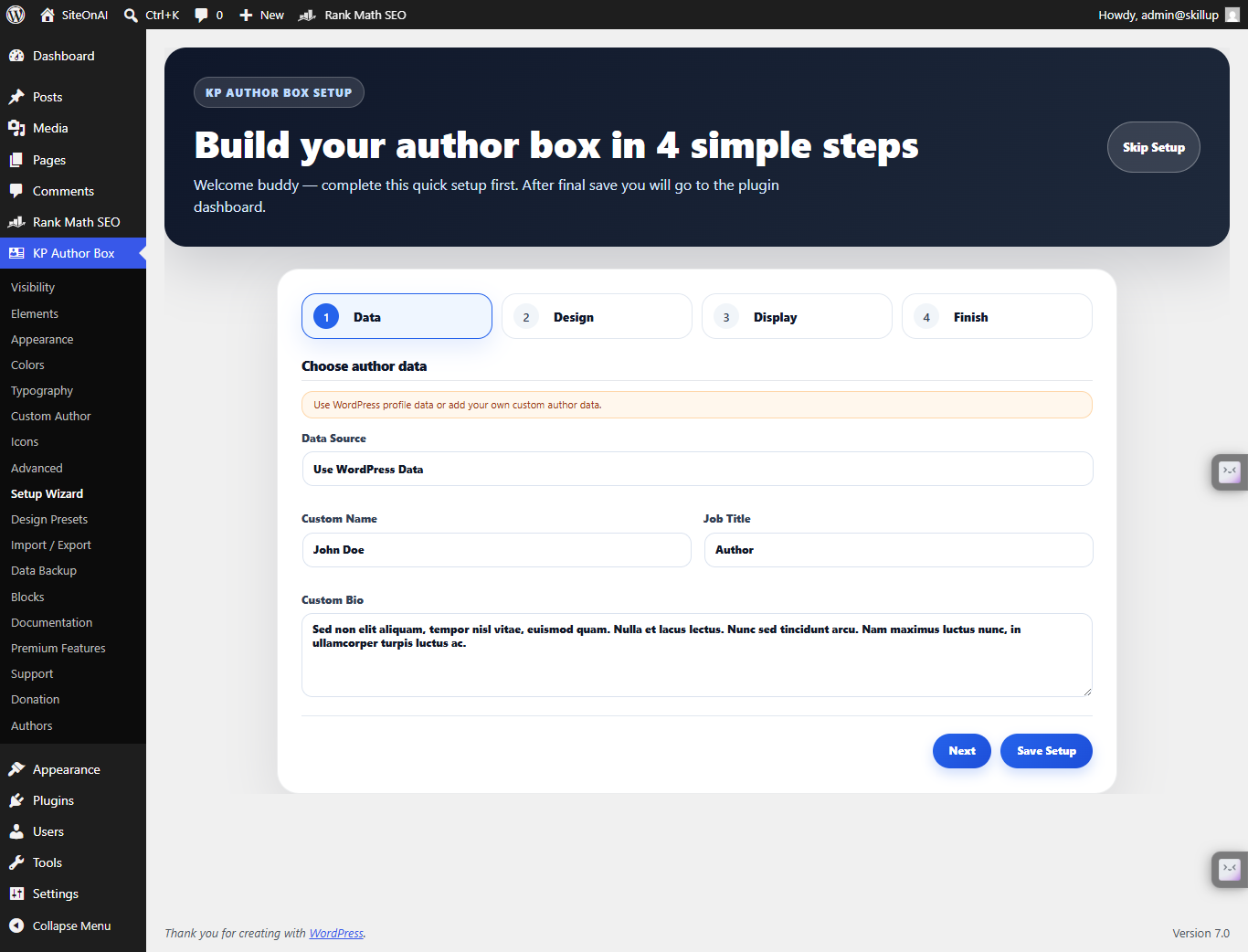
KP Author Box setup wizard for quick plugin configuration.
Which Plugin Should You Choose?
If you only need a basic author bio box, a simple author box plugin may be enough. But if you want custom author data, multiple authors, posts and pages support, shortcodes, Gutenberg blocks and import/export settings, KP Author Box can be a better fit for your workflow.
KP Author Box is suitable for bloggers, content writers, guest post websites, personal blogs, business blogs, news websites and WordPress developers who want a clean author profile section without coding.
The best choice depends on your website needs. For a lightweight and flexible author box solution, KP Author Box is worth trying as a Simple Author Box alternative.
Helpful Links
Explore KP Author Box resources and WordPress plugin pages from SiteOnAI.
Frequently Asked Questions
What is KP Author Box Plugin?
KP Author Box is a WordPress plugin that helps you display author boxes on posts and pages with author name, bio, avatar, website and social links.
Is it mobile responsive?
Yes. KP Author Box is designed to work on desktop, tablet and mobile screens.
Can I add social media links?
Yes. You can add social media links such as Facebook, Instagram, LinkedIn, X/Twitter and YouTube.
Can I use it without coding?
Yes. You can use KP Author Box without coding. You can manage settings from the WordPress dashboard.
Does it work on posts and pages?
Yes. KP Author Box can be used on WordPress posts and pages.
Try KP Author Box for WordPress
Add a clean and responsive author box to WordPress posts and pages with custom author data, avatar, bio and social links.
Download KP Author Box